
Short answer
Sandustry is easiest to understand as a set of connected systems: physical materials, logistics, production, Research, tools, and exploration. The official Wiki describes it as an automation, exploration, and base-building strategy game where the world is destructible and every pixel can matter to a factory. Learn one loop at a time—move a material, change its state, refine it, then spend the result on the next unlock.
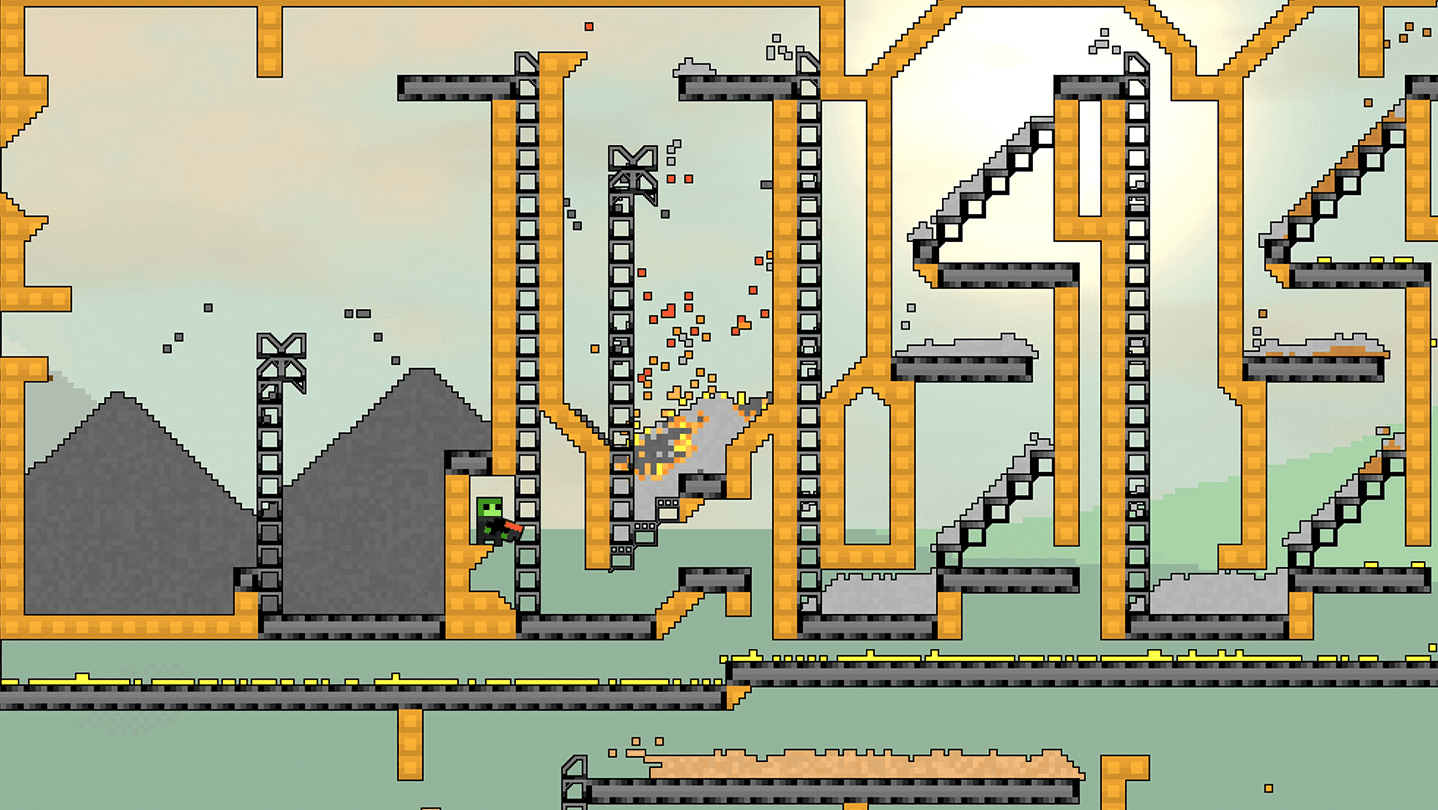
This page is a systems overview rather than a recipe table. It explains how the major systems fit together and points you to the detailed pages when you need a specific material, building, or tool. Exact costs, rates, and version-sensitive interactions belong to the current official Wiki and the live game.
The material system comes first
Sandustry materials have a state and a physical behavior. The official Wiki groups material references into terrains, solids, liquids, gases, slushy materials, and wisps. Sand, Water, Lava, Steam, Ice, Fluxite, Gold, and Voidbloom are not interchangeable labels: their state affects where they can move and which next step can use them.
The useful beginner question is not only “what is this resource?” Ask “what state is it in, what can touch it, and where does it need to go next?” Sand and Water can become Wet Sand when they meet. Lava can be solidified into Scoria, and the resulting Cinder can be handled as part of a different route. These are system rules, not decorative details, so leave space around a reaction and watch the output before building a larger chain.
Use the Sandustry Materials guide for the maintained material families and the clearly labeled historical density chart. Use the Water guide when the question is flow, Wet Sand, Steam, or liquid boundaries, and use the Lava guide when heat and Cinder are the problem.
Logistics connects every factory step
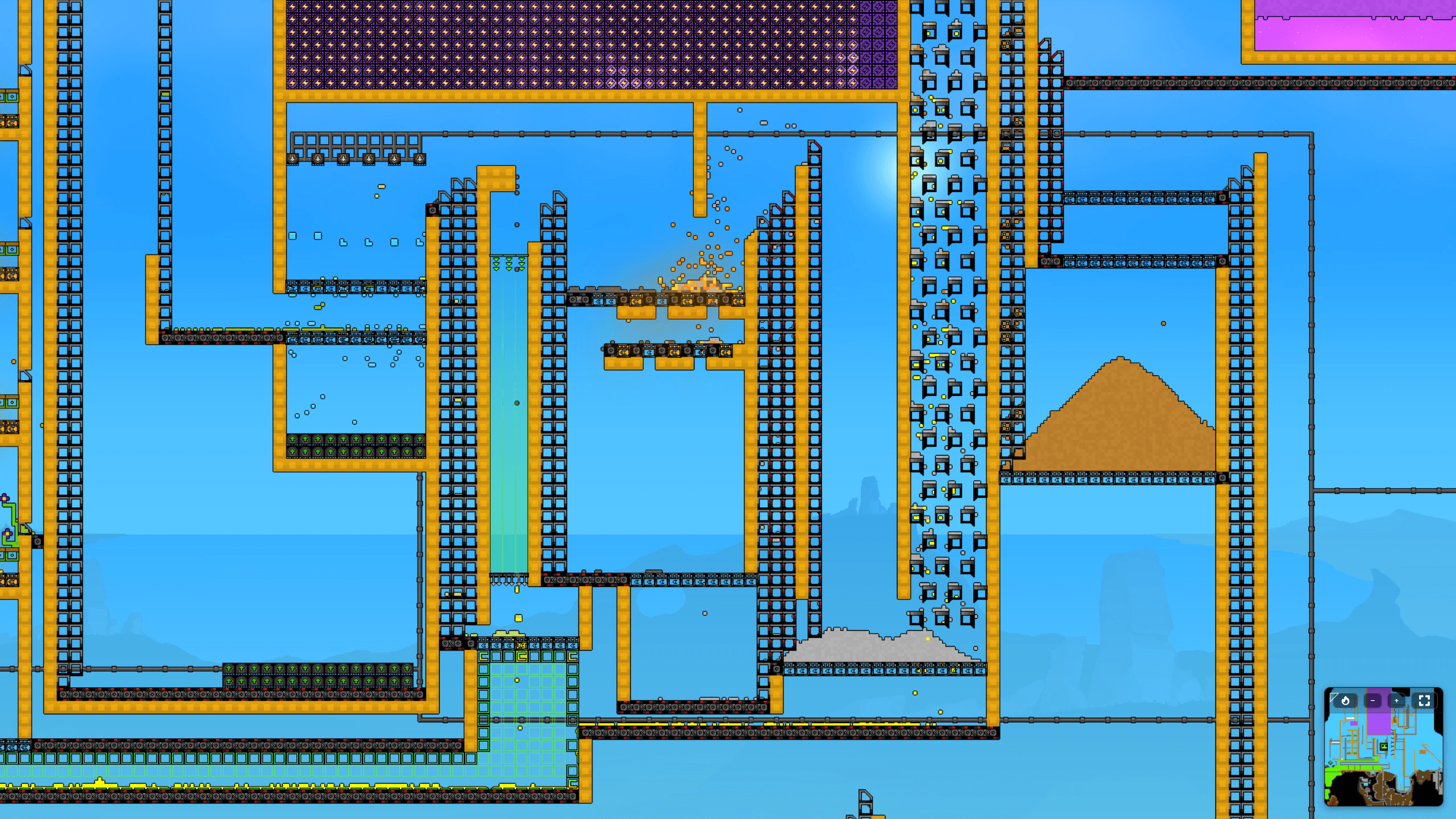
The official Wiki lists Conveyor Belts, Launchers, Filters, Conveyor Portals, and related logistics buildings. Conveyor Belts transport solid pixels, while Launchers throw solids across a gap or upward through a shaft. Filters help separate a mixed line when the next machine only needs one material. A route is only useful when it has a clear input, a receiving space, and an output that the next step can actually use.
The official Conveyor Belt page explains that a belt carries the pixels touching it, while a blocked bottom pixel can stop the pile above. That is why a jam is usually a route problem before it is a machine problem. Check direction, receiving space, and the first blocked handoff before adding more belts.
Fluids use a different logistics language. The Beginner’s Guide describes a Pump, Pipes, and a Liquid Vent as the basic route for many fluids, while the Water page explains that some structures block flow and that liquids can slip through small gaps or corners. Keep fluid lines visible and contained while you test them. A clean separation between solid and fluid routes makes the rest of the factory much easier to read.
Research is the progression system
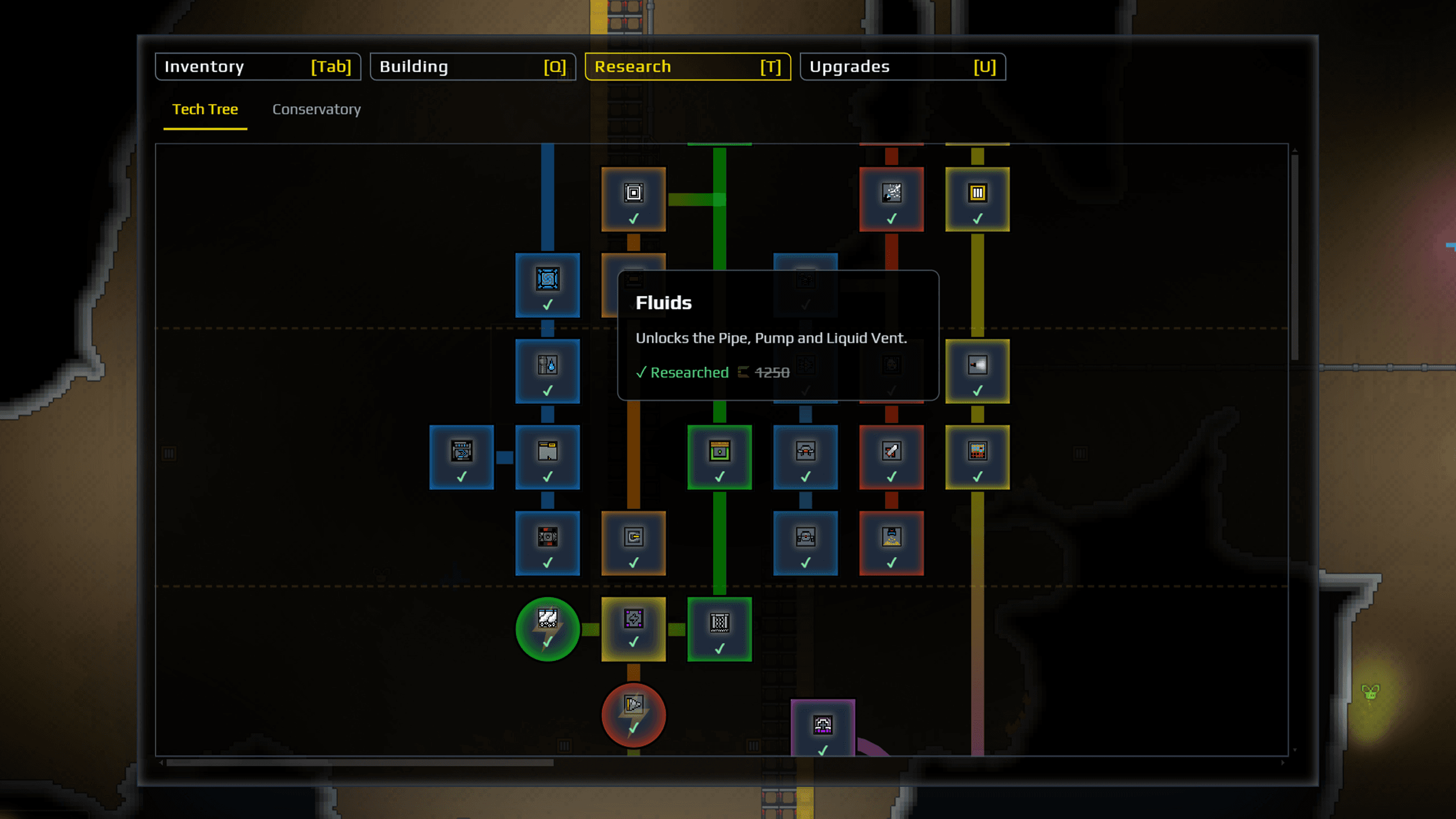
Research is the method used to unlock new Buildings and Tools. The official Research page places the system in the Research tab and lists branches such as Refining, Logistics, Guns, Filters, Pipes, Tools, Lights, and Drones. The first useful choice is therefore the one that answers the problem in front of you, not a universal order that works for every save.
If materials are piling up without a route, look toward logistics. If Wet Sand is waiting for a processing step, look toward refining. If terrain or a fluid state is blocking exploration, look toward the tool branch. Research turns the factory into a decision loop: improve the current bottleneck, run the new system, then use the next output to open another branch.
The official page includes named unlocks such as Shakers, Conveyor Belts, Launchers, Filters, Pipes, Pumps, Liquid Vents, Planter Boxes, the Kinetic Press, and later the Flux Emanator. The exact costs shown by the Wiki are version-sensitive data; check the current Research screen before planning a purchase around a number.
Buildings from the official list
The current Buildings list names Block, Collector, Shaker, Conveyor Belt, Launcher, Filter, Pipe, Kinetic Press, Planter Box, Flux Emanator, Pump, Liquid Vent, Light, Marquee, Demolisher, and Pipe Remover. This is a directory of building names, not a promise that every item is an early unlock. Use Research and the current game build to decide when each one belongs in the factory.

Read the list by job: Conveyor Belt and Launcher move solids, Filter sorts a route, Pipe, Pump, and Liquid Vent move many fluids, and Kinetic Press, Planter Box, and Flux Emanator belong to later processing paths. Collector is the tile that makes Gold inside it count as available cash. Leave room around each machine so its input, output, and by-product remain visible.
Production and refining create the next problem
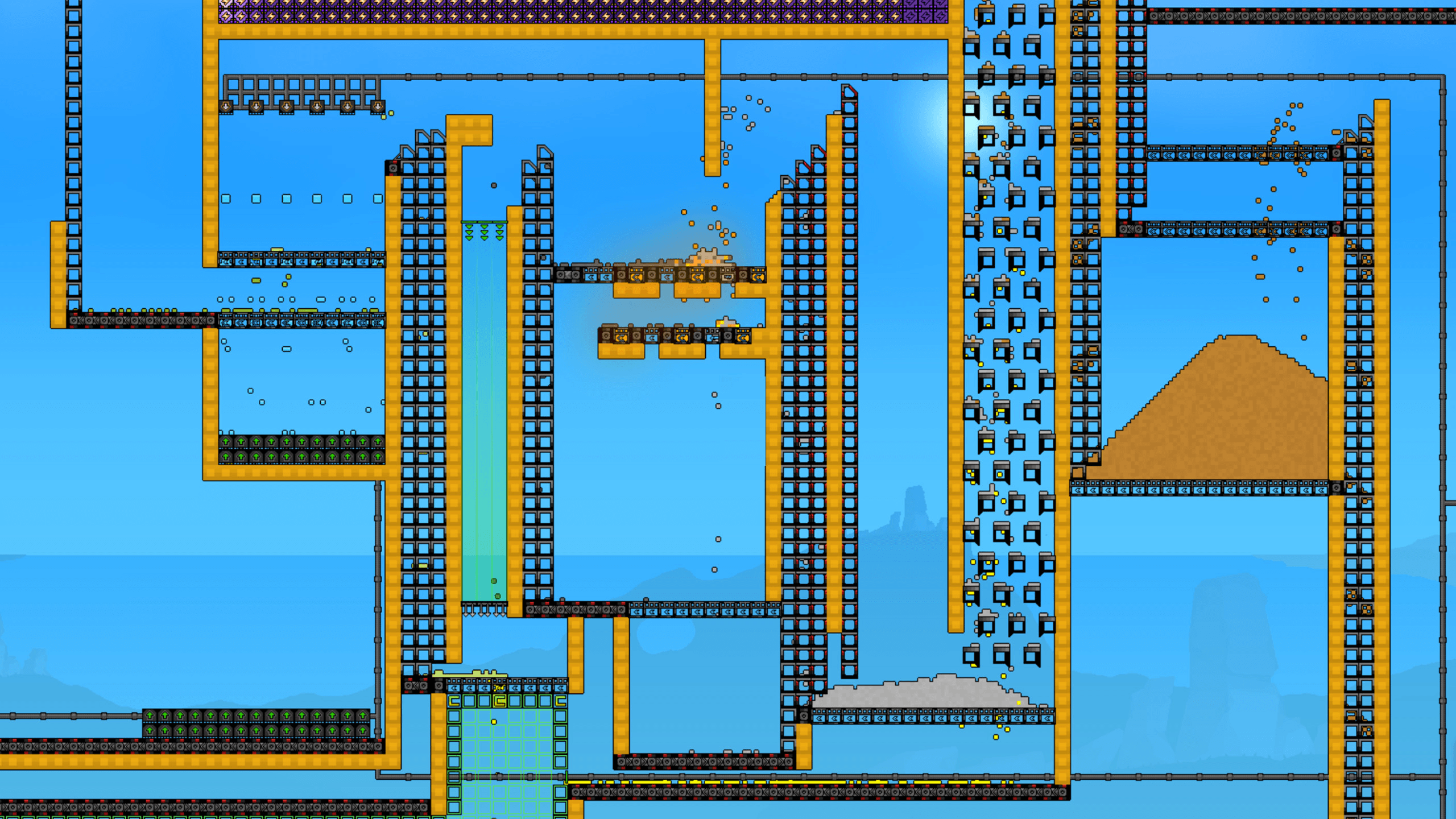
Buildings are grouped on the official Wiki into logistics, production, blocks, economy, fluids, special, thermal, energy, logic, and other sections. The names are useful because they show how a factory expands: transport carries the material, production changes it, fluids and thermal systems move it between states, and special or energy systems support later automation.
For the four verified Logic components—Signal Sensor, Presence Sensor, Signal Linker, and Buffer—use the Logic guide for a focused signal-path walkthrough.
The early production loop is built around structures such as the Shaker, Kinetic Press, and Planter Box. Gold is an important Research input, while by-products can become the next material that the factory needs. Do not design the line around the first output only. Leave room for the material that falls out beside it, because a by-product often explains why the next system exists.
Thermal systems add another layer. Heat can turn solids into liquids or liquids into gases, while cold processing can move materials in the opposite direction. Water, Steam, Lava, Ice, and Snow therefore belong to a connected state system. When a thermal chain feels confusing, identify the input state and required output state first, then choose the structure and transport route around that change.
Tools and drones change how you explore
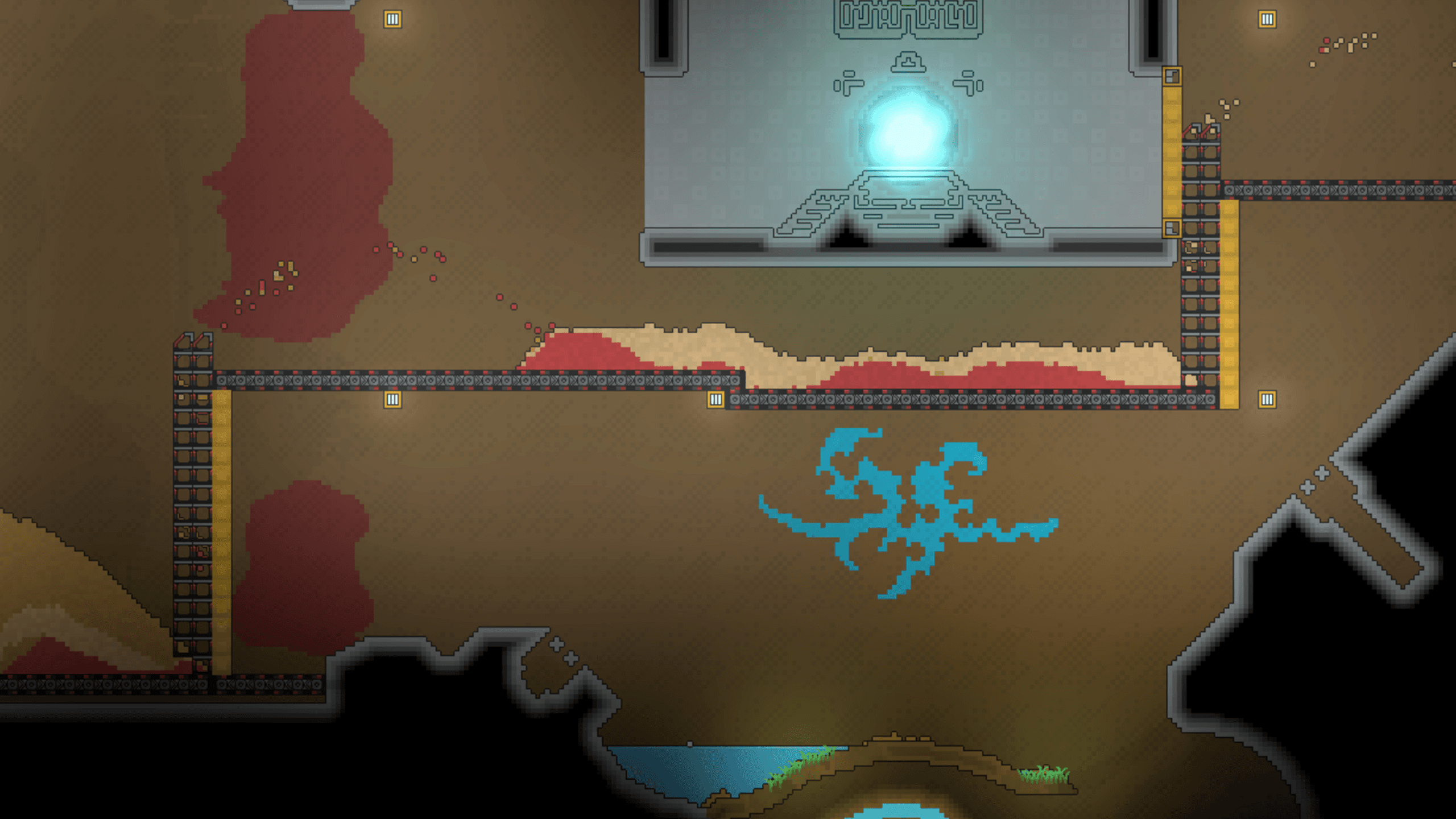
The current Tools list names Shovel, Grabber, Gun, Rocket Launcher, Flamethrower, Vacuum, Cryoblaster, and Grappling Hook. Its Drones section names Digger and Hauler. Each tool answers a different world or factory problem, so a blocked route does not automatically mean that a building is missing. The official list is the safer reference when a name or category changes between versions.
Drones form a separate automation layer. The official Wiki lists Digger and Hauler drones. They are most useful when the task is repetitive or when a factory needs a different kind of movement than a fixed belt line. Treat them as a later way to reduce manual work, not as a replacement for learning the first logistics loop.
Exploration feeds the systems back into one another. Destructible terrain opens building space, materials open production, Research opens tools, and tools reveal areas or resources that were previously inconvenient to reach. If a ruin or obstacle does not make sense with the starter kit, continue the loop and return with the capability the area is asking for.
A practical order for learning the systems
Start with one visible solid route, one processing building, and one clear output. Add a Filter when a mixed line becomes difficult to separate. Add Pump, Pipes, and Liquid Vent when a fluid must travel as a controlled route. Then use Research to decide whether the next improvement should be a better logistics tool, a production building, a tool upgrade, or a new exploration capability.
Keep the first factory readable even after the systems become more advanced. Label the purpose of a line in your own notes, leave a test space near thermal buildings, and keep the input and by-product visible. This approach scales better than copying a large layout whose material states and bottlenecks you cannot yet explain.
Related video and official pages
The supplied Sandustry launch-trailer artwork is linked below to the official Sandustry YouTube channel. Use the channel for related videos and announcements, and use the Sandustry Official Wiki for the current lists of Materials, Buildings, Tools, Drones, and Research.

Continue with the official Research page, the Buildings list, the official Tools page, the Beginner Tips guide, and the Materials guide. These pages answer narrower player questions without pretending that a single build order works for every factory.